
Sometimes Eclipse, the IDE doesn’t open and you realize that usually after about 10 minutes. Although there are many reasons for this, there is a common solution. Try it and hope it works.
Here are the steps to solve this problem.
- Go to your workspace location on your machine.
- Go into .metadata –> .plugins –> org.eclipse.core.resources.
- In this folder, you might find a .snap file as shown below
.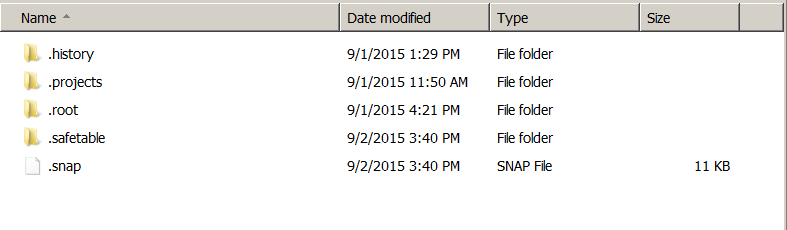
- Delete this .snap file.
- Restart your eclipse and it should start immediately.
 ibleedtechnology